Amica.com Design System
I set the shared design rules behind Amica.com’s 615-page rebuild.
- Client
- Amica
- Role
- Associate Design Director
- Agency
- Razorfish
- Year
- 2026
- Scope
- Visual direction
- Color rules for light and dark themes
- Homepage and quote screens
Amica.com relaunched on October 2, 2026, after a rebuild covering 615 pages. I led the work on the shared color and component rules.
The problem
The project had gone four sprints without a dedicated design lead. The existing site had no shared color rules, so teams entered colors by hand and duplicated components for dark pages. The site also had to stay live during the rebuild.
The decision
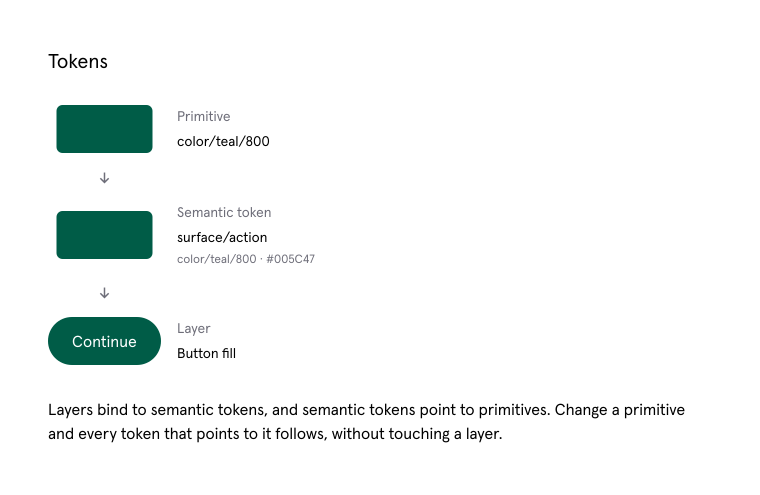
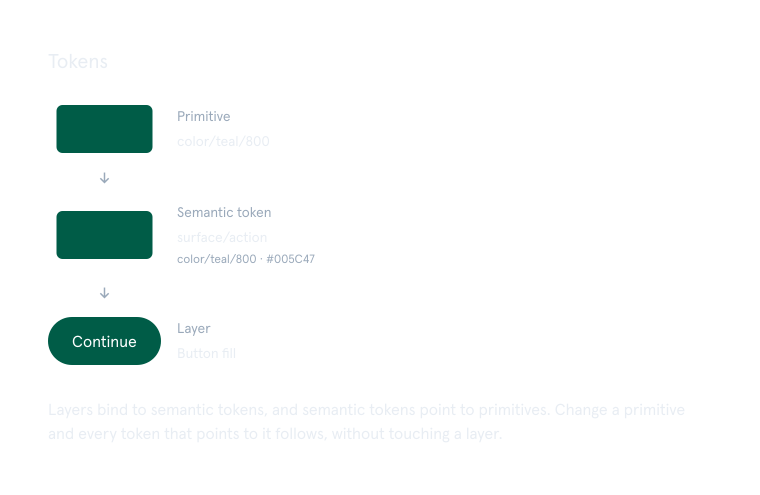
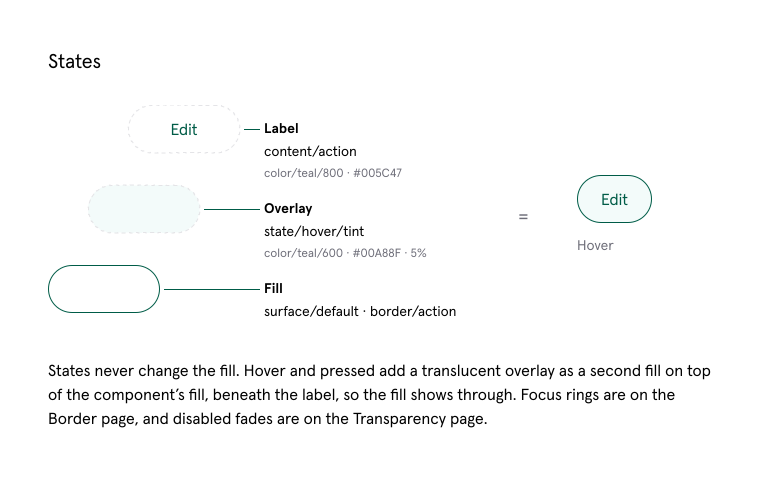
I grouped colors by their job and gave each job a name. Components could then use the same color rules in light and dark themes, without separate copies for each theme.
My contribution
I joined as the first dedicated design lead. I set visual direction and led the team’s work on the homepage, product pages and quote screens. The component library already existed. I rebuilt the color rules and structure it depended on.
Homepage
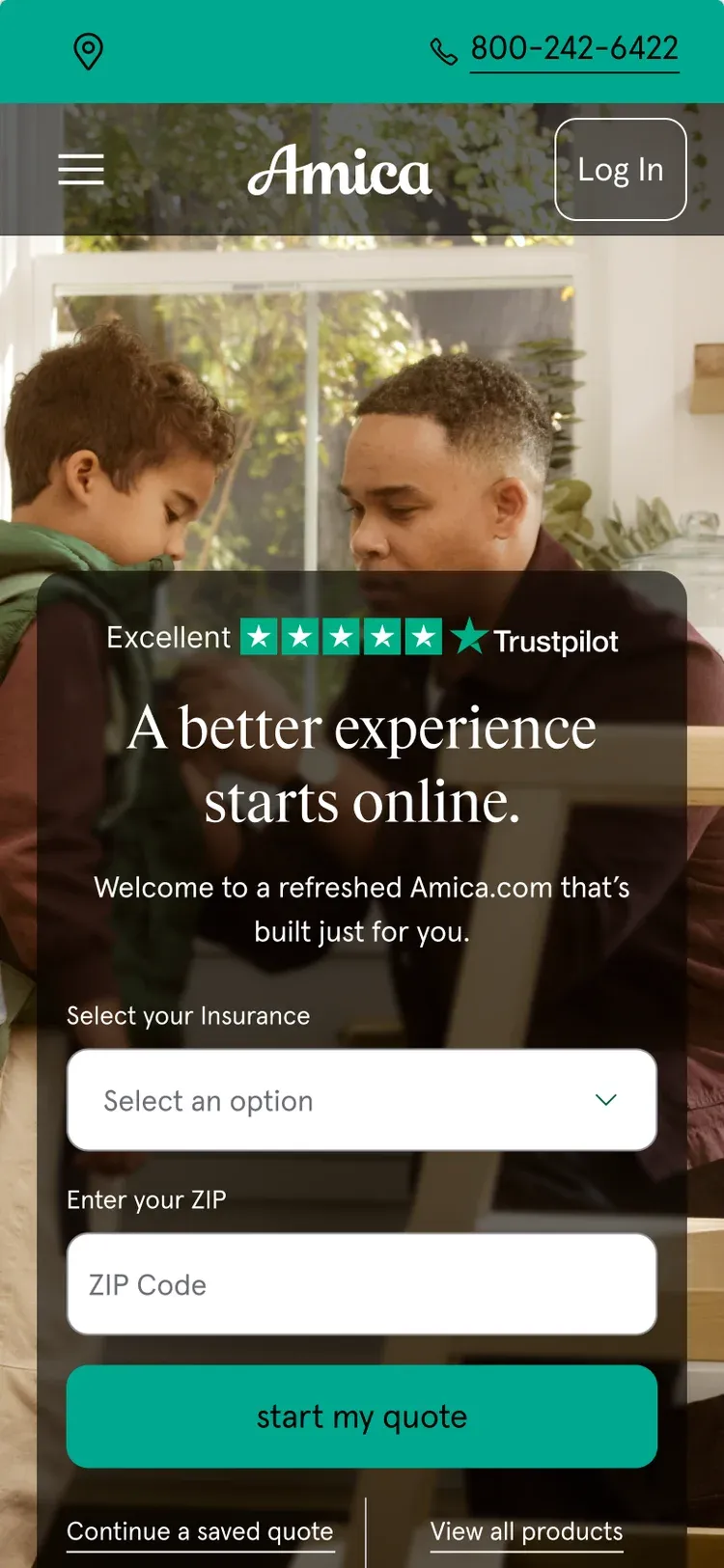
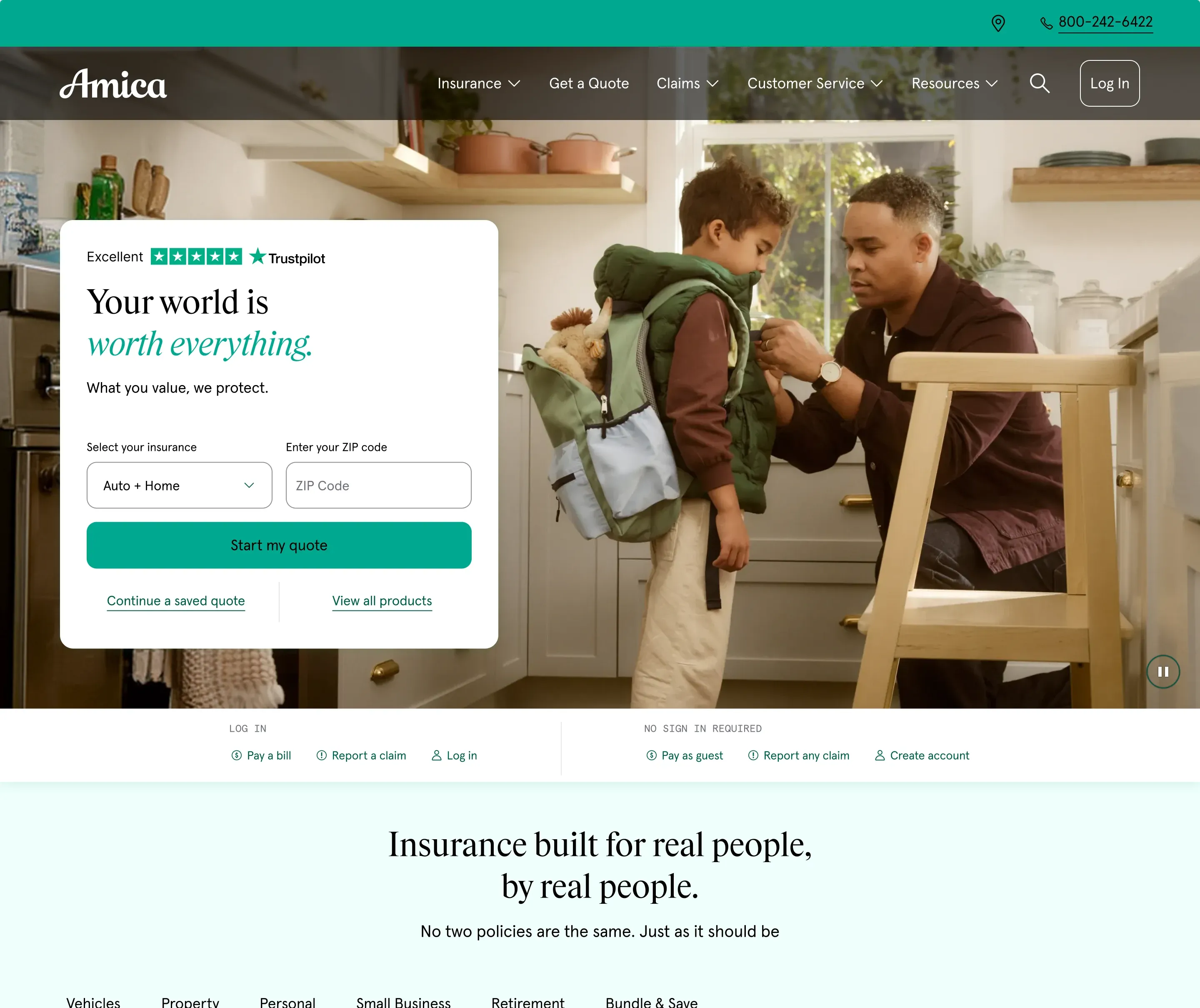
The quote form sits over a family photo and asks visitors to choose insurance and enter a ZIP code. Amica’s teal marks the utility bar and main action; the dark green footer carries the brand color below the page.
Quote entry
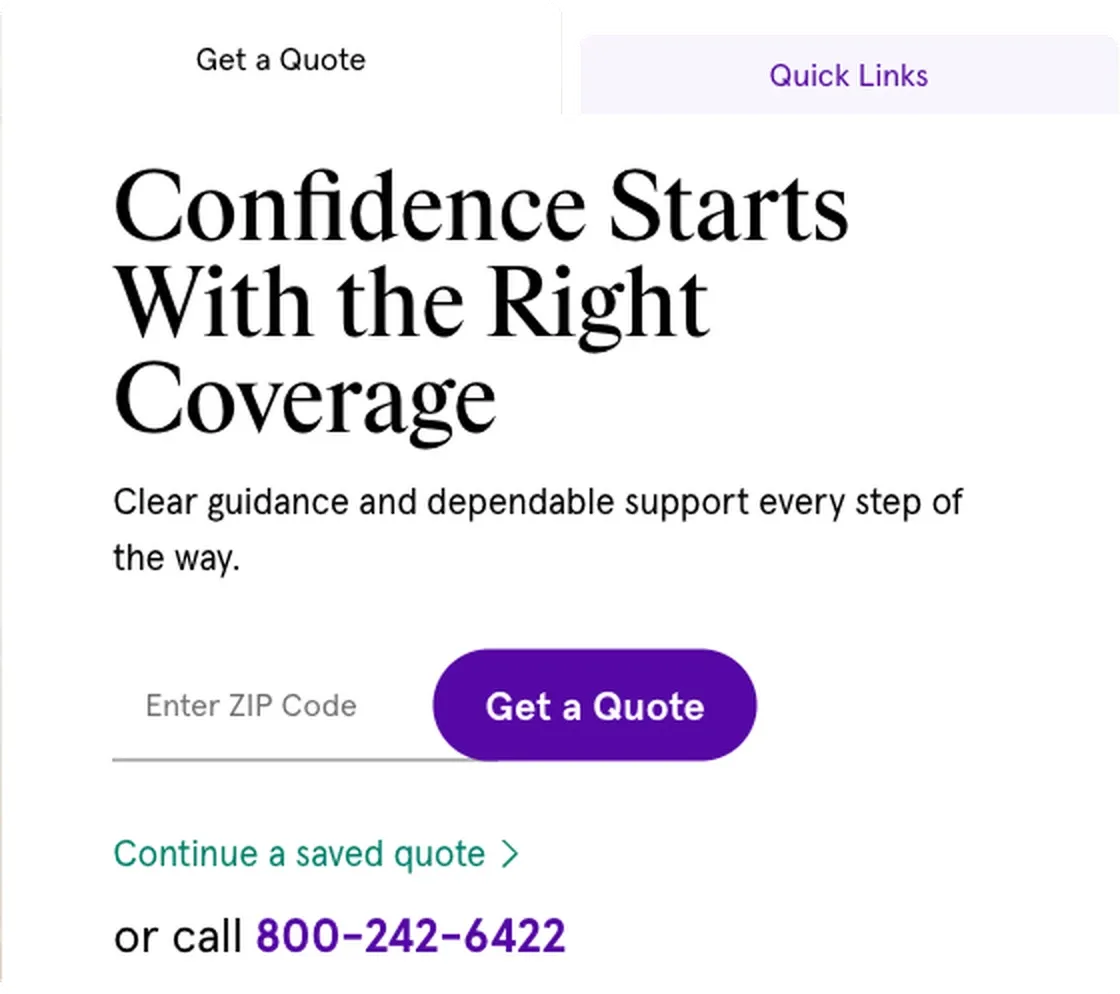
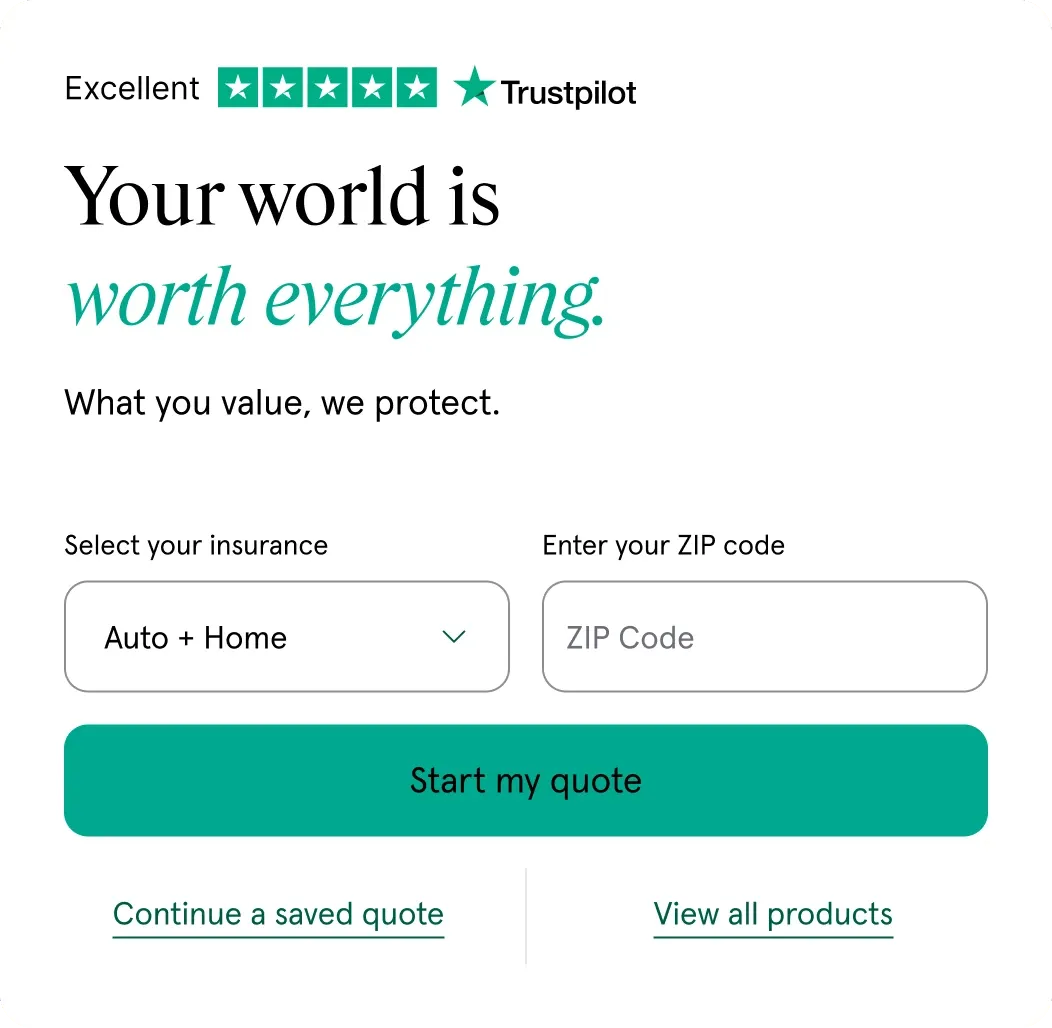
The old card asked for a ZIP code and used a purple “Get a Quote” button. The new card adds an insurance choice, keeps the ZIP code field, and names the action “Start my quote.”
Color rules
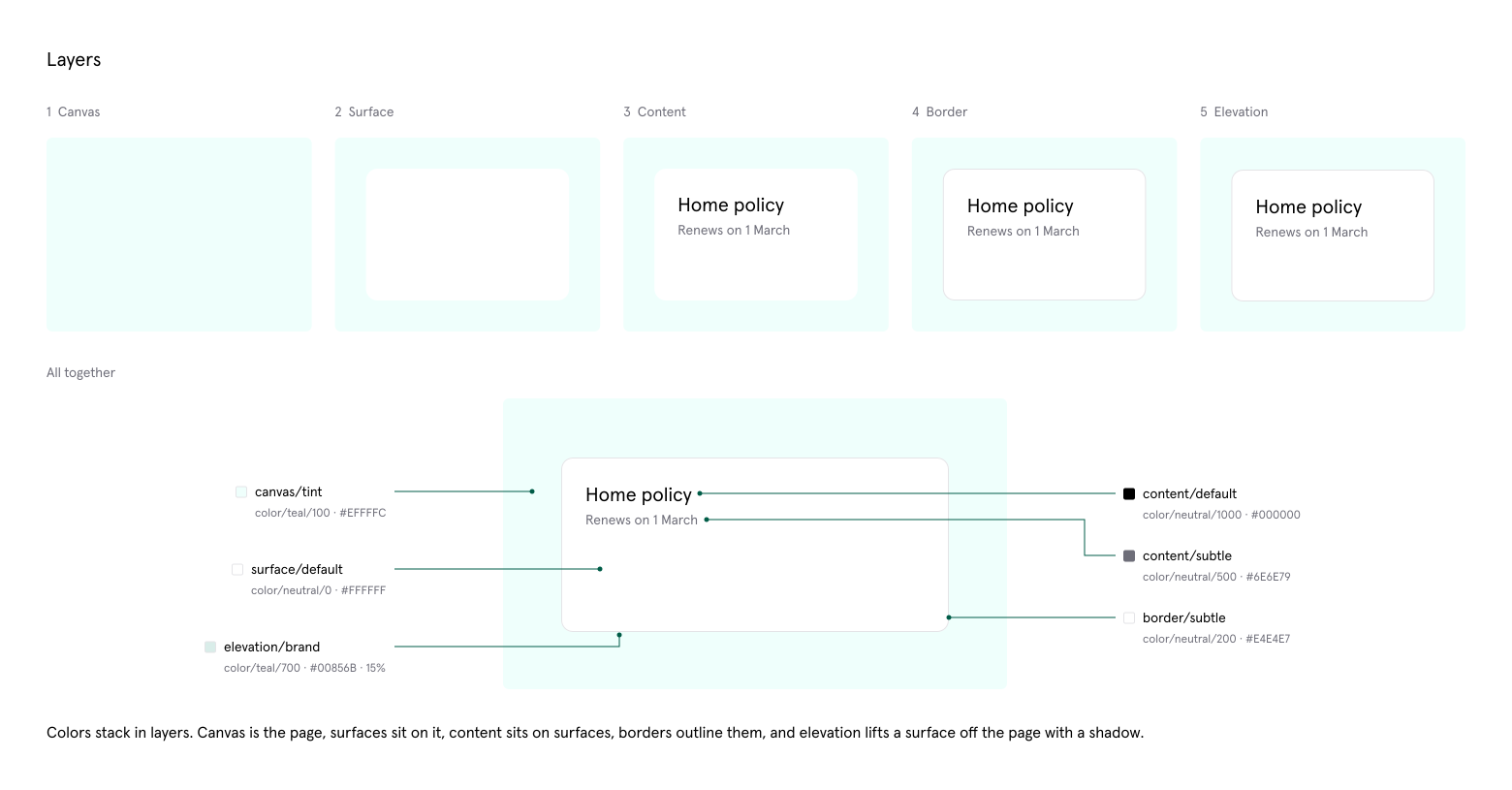
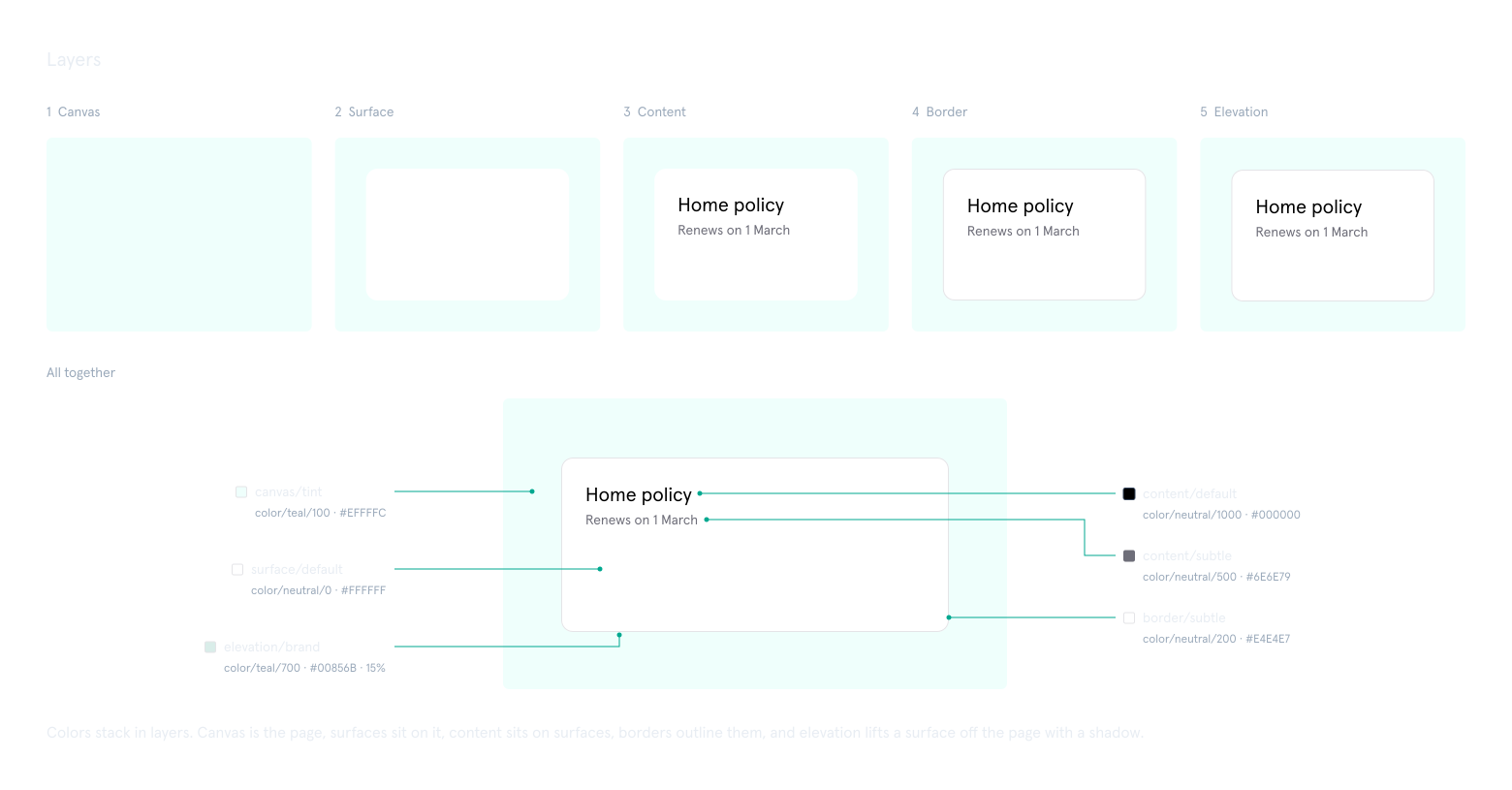
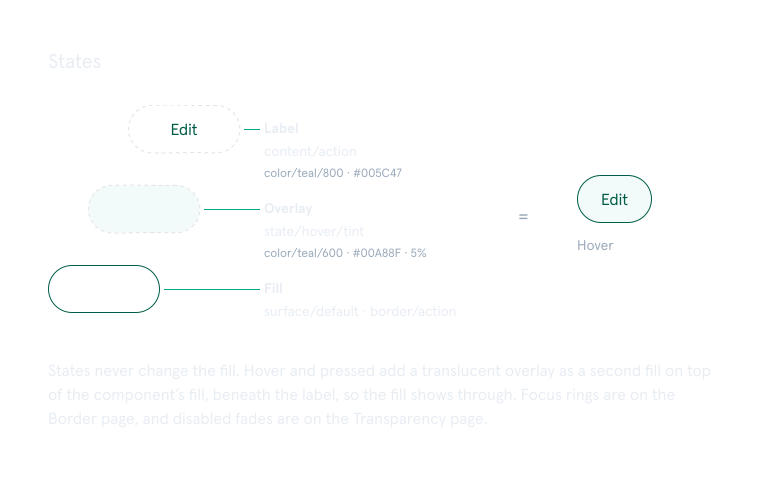
Design tokens are named rules that components can share. I grouped colors by where they appear: page background, cards and panels, text, borders, and depth. Each role has light and dark values, so components can switch themes without a duplicate set.
Quote flow
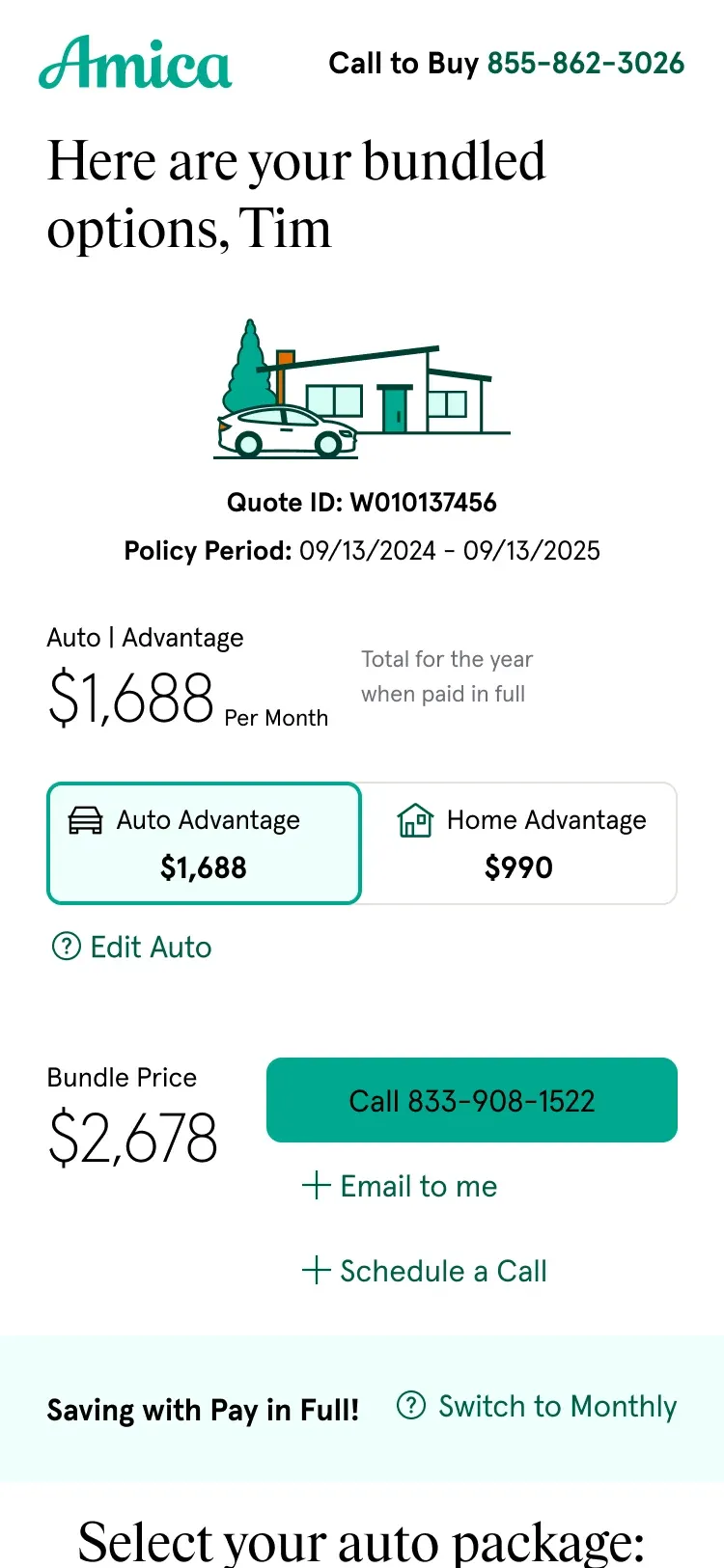
The quote flow collects details about the driver and vehicle, then presents auto, home and bundled prices. It uses the same color rules and components shown above.
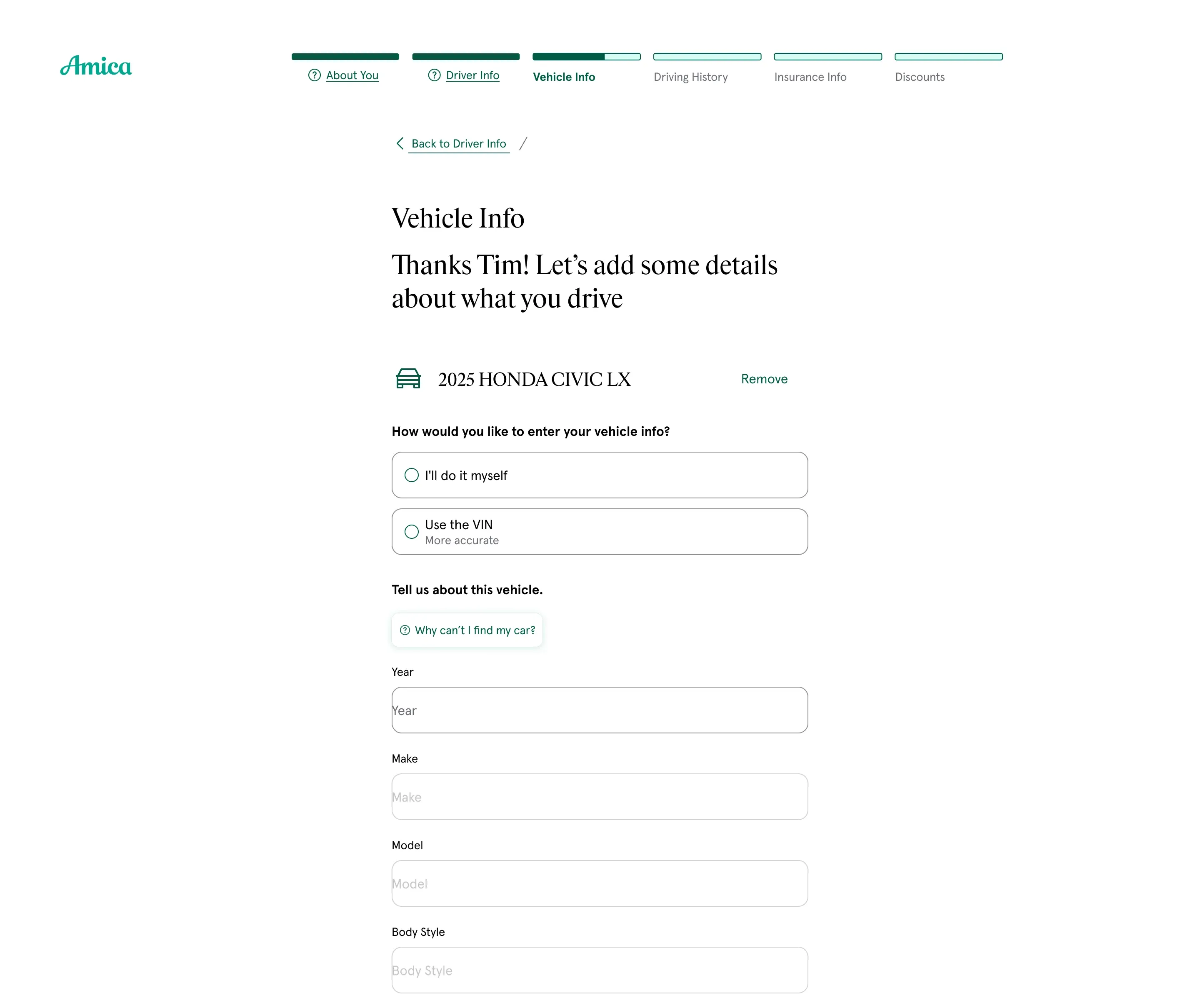
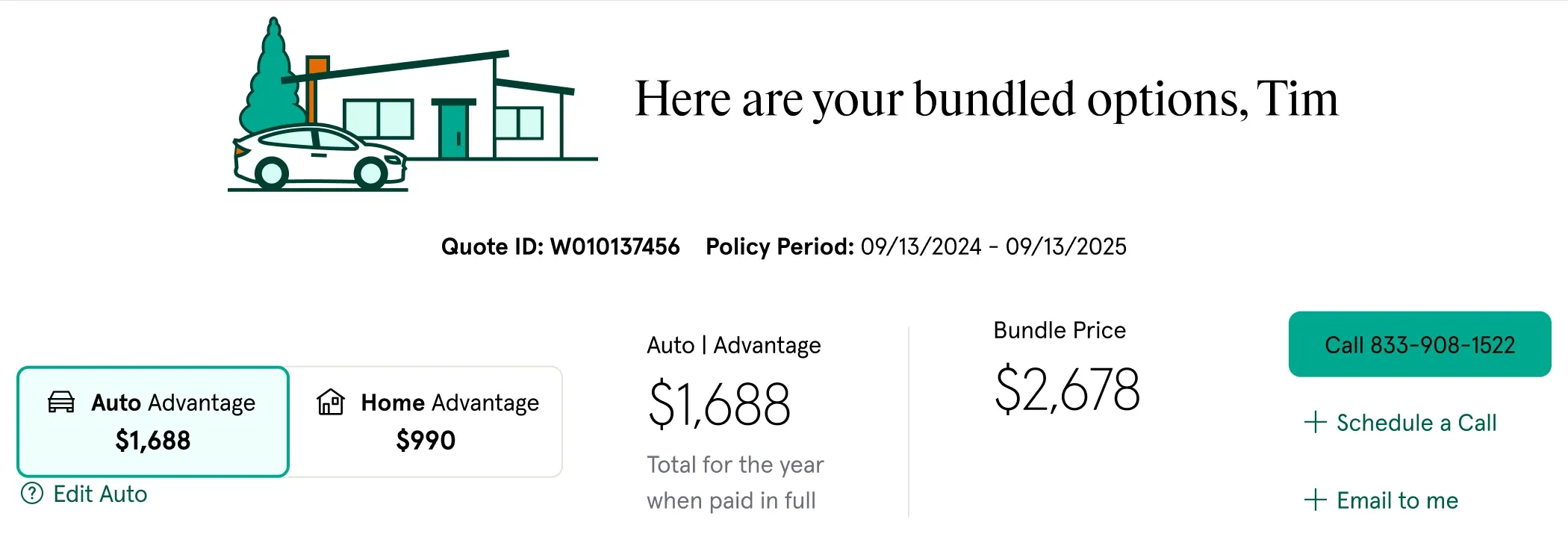
The quote flow on a phone